Jomora Hospitality OS turns anything a guest asks for into a tracked job with a name, a room, a deadline and a record. This guide covers all three surfaces, what each one is for, and what a property can change for itself.
One system, three entry points. Each is built for a different person standing in a different place.
The dashboard, the task board, the audit trail, room access and content editing. Open on a desktop.
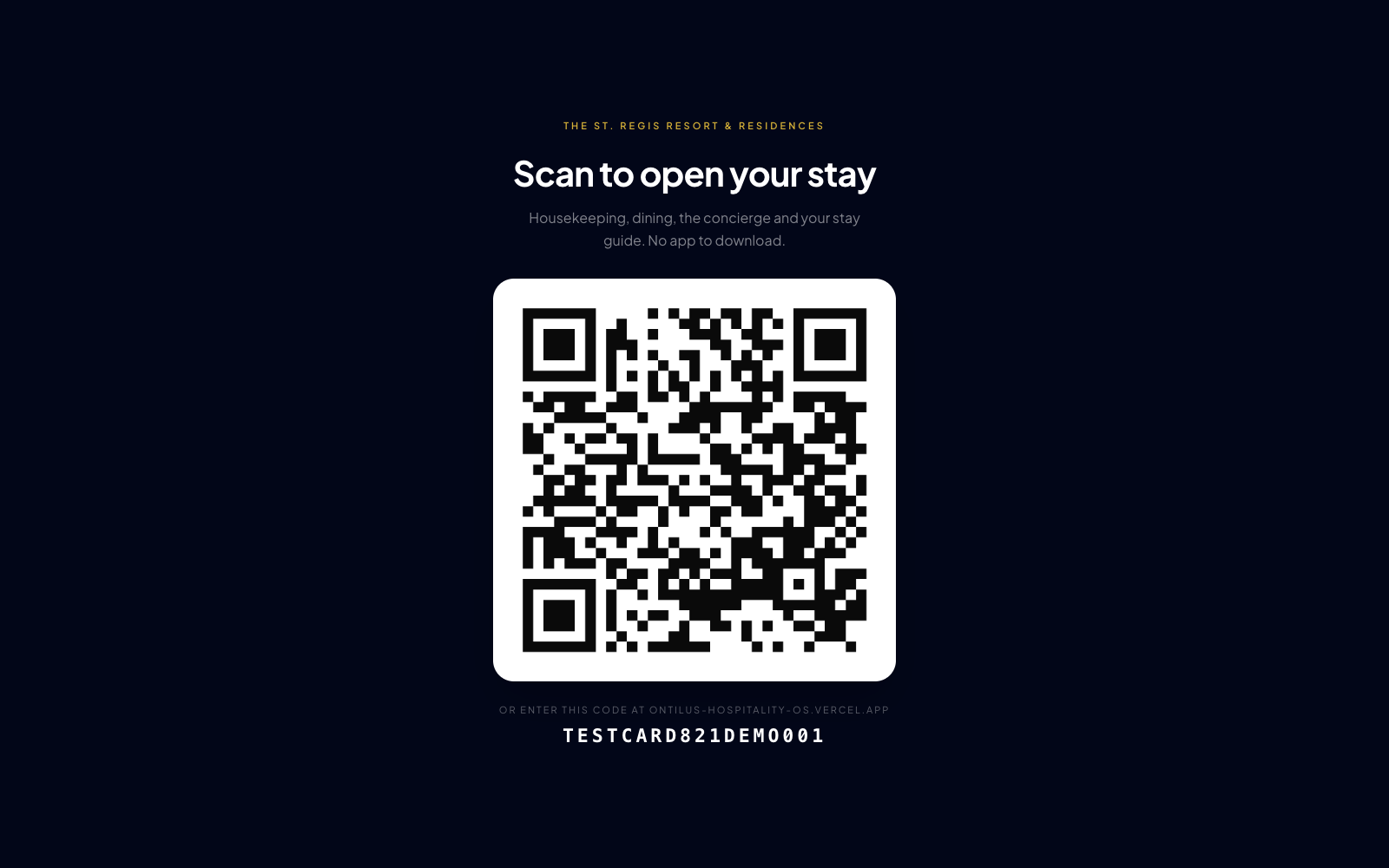
ontilus-hospitality-os.vercel.app For a screenA full-bleed QR code and nothing else. Point a TV at it and press fullscreen.
ontilus-hospitality-os.vercel.app/guest For the guestWhat a guest sees after scanning. Open this one on a phone, not the same browser as the console.
…/?code=TESTCARD821DEMO001If you are signed in as staff and you open the guest link in the same browser, you will get the staff console — not the guest app. That is deliberate: a device belongs to one identity at a time.
Run the console on a laptop and the guest app on a phone. A private window works too.
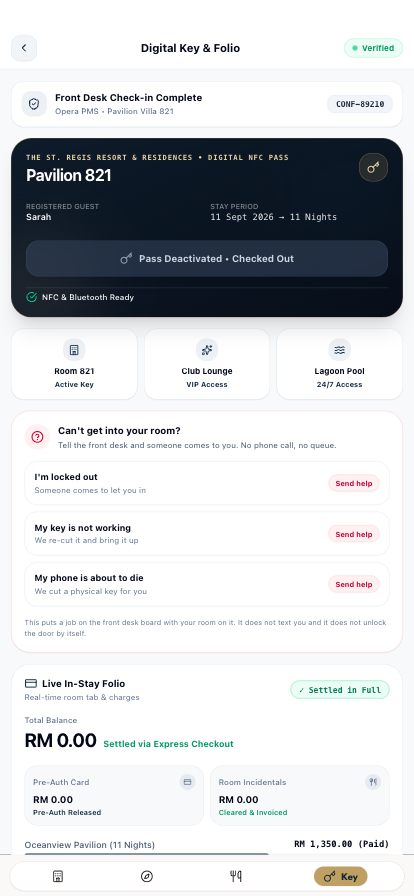
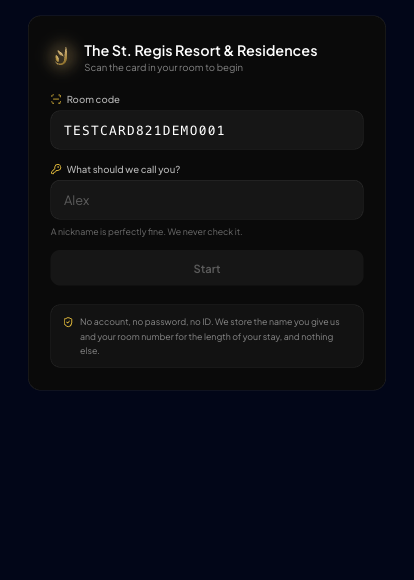
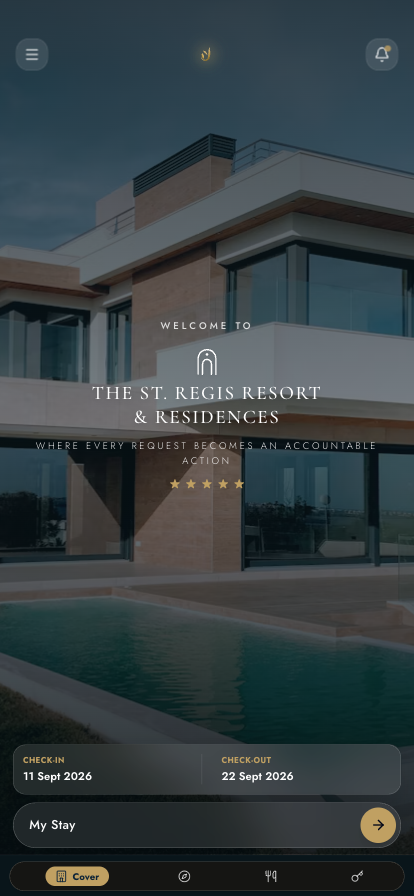
No app store, no account, no password. A guest scans the card in their room, types a name, and their stay opens. The whole journey is four taps deep.
The QR on the desk card, the tent card, or the in-room TV. It opens a web page — nothing installs.
A nickname is fine. The property never checks it, and never asks for anything else.
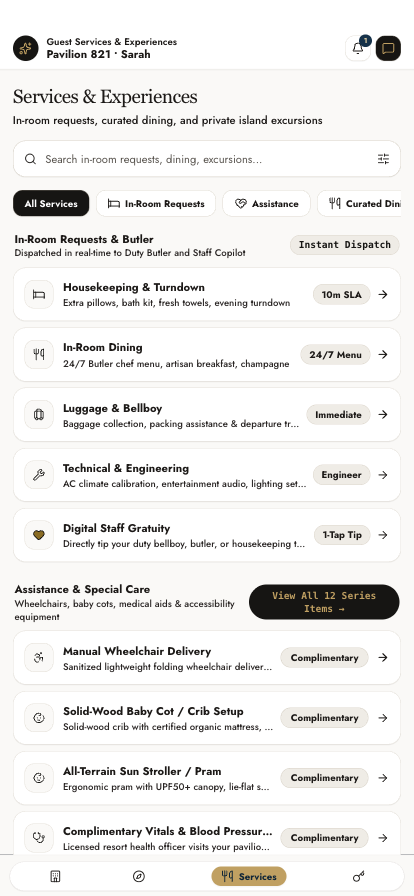
Housekeeping, dining, the concierge, an excursion — or help getting back into the room.
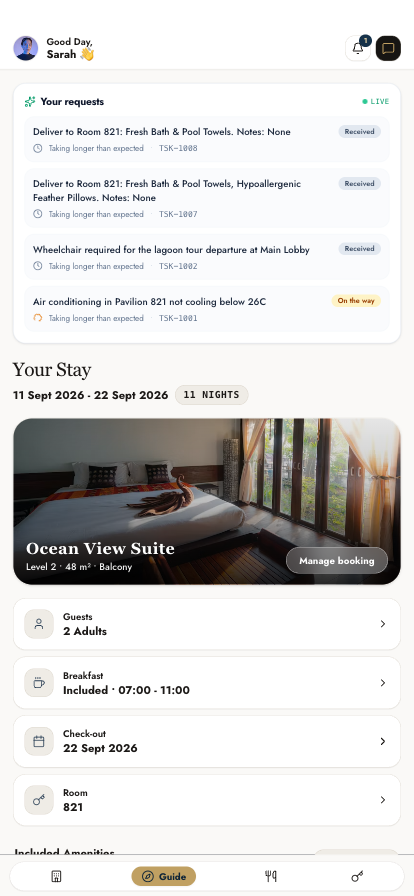
The request appears in their own tracker with a countdown, and on the staff board at the same moment.

Three buttons, because there are three different problems and they need three different responses. Each one raises a Critical job on the front desk board with the room number on it and a ten-minute clock.
It does not text the guest and it does not open the door by itself. The screen says exactly that, in those words. A guest standing in a corridor is told what will actually happen, and if the request fails to send they are told to use the room phone instead.
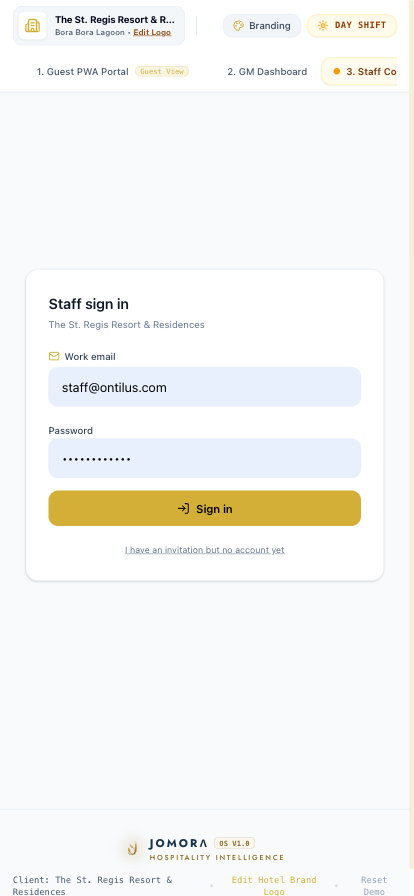
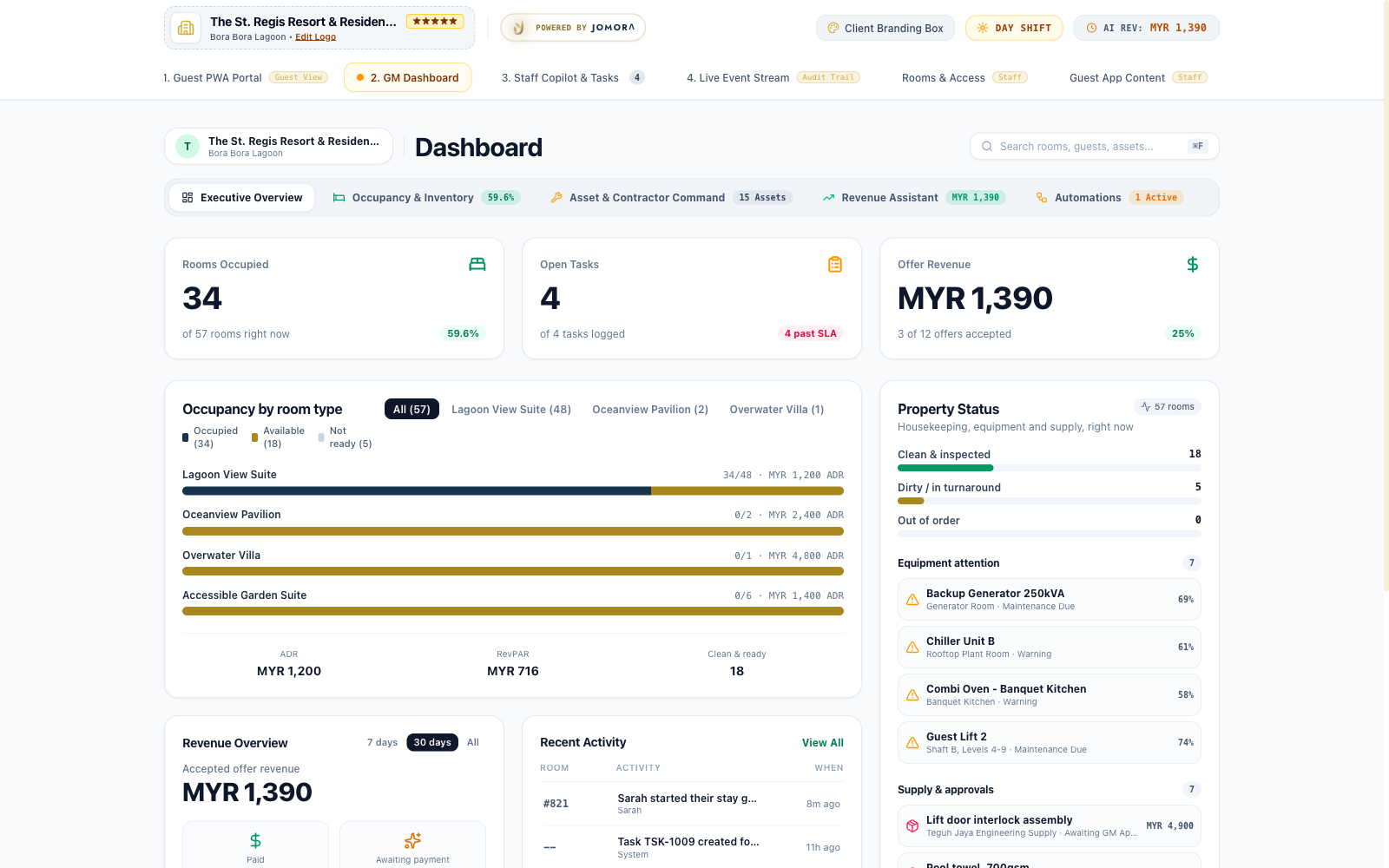
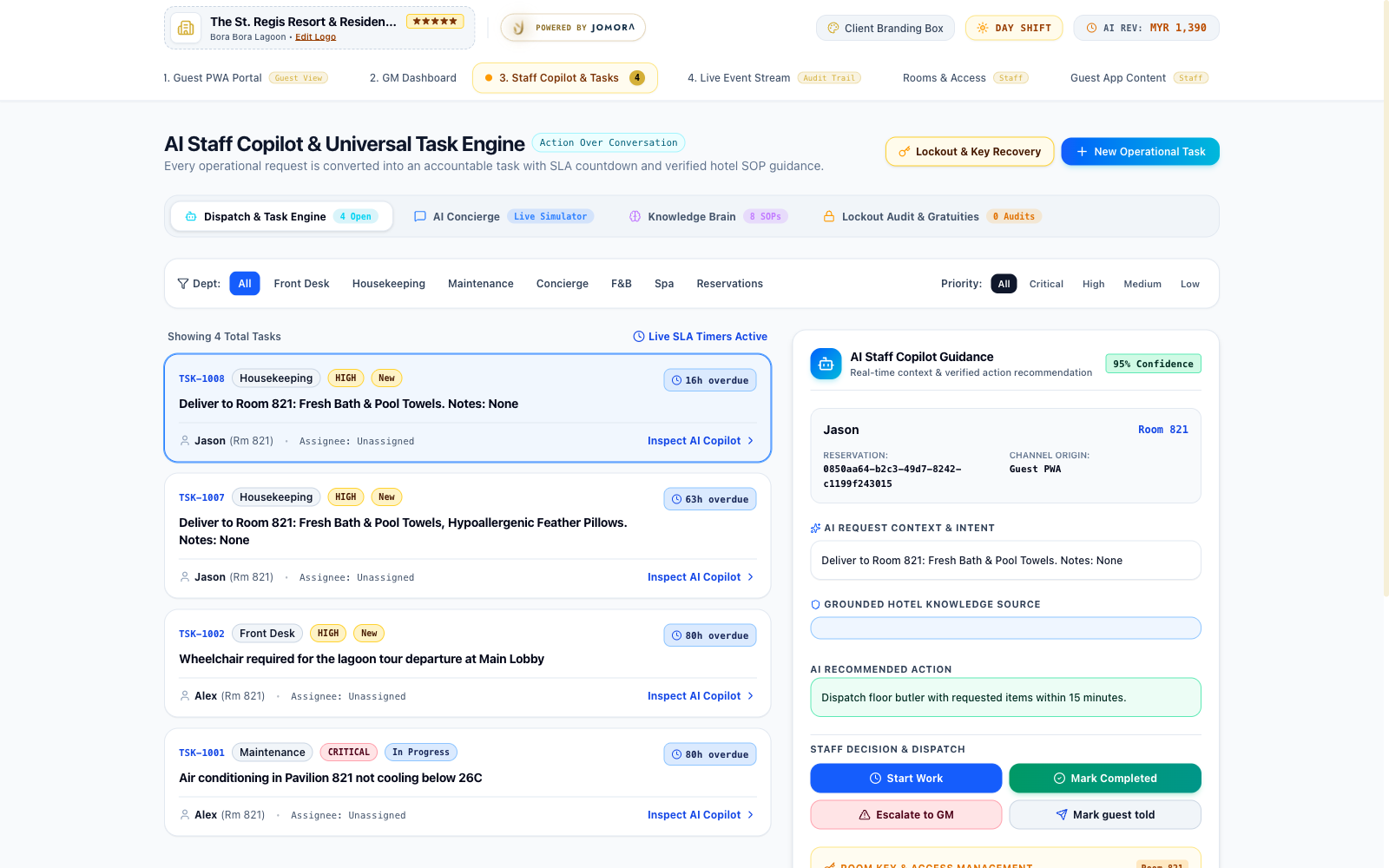
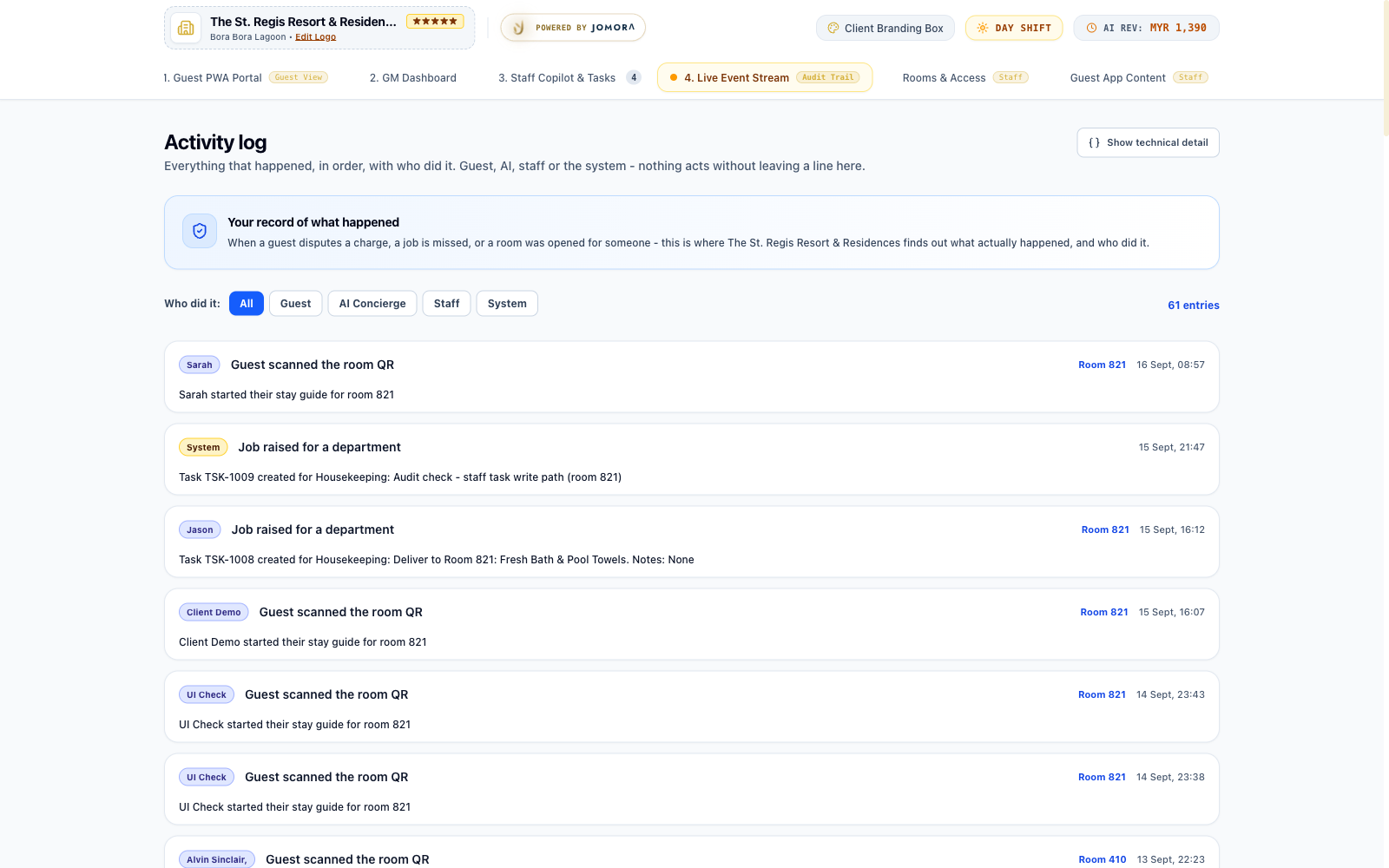
Six screens behind one sign-in. Everything on them is live — a change made anywhere in the property appears here without anyone refreshing. Shown here in Day Shift; the same screens have a Night Ops mode for the overnight team.

Staff sign in with a work email and password. Signing up on its own grants nothing — a manager’s invitation is what assigns a role, and the role is what decides which screens and which rows a person can reach.
The demo runs on one shared account. A live property gets named accounts, so the audit trail records who did what rather than “the front desk”.

Rooms occupied, open tasks, revenue, and what is breaching.
Per room type, with ADR and RevPAR. Empty numbers stay empty rather than being estimated.
Equipment health, contractors, and purchase orders awaiting a manager.


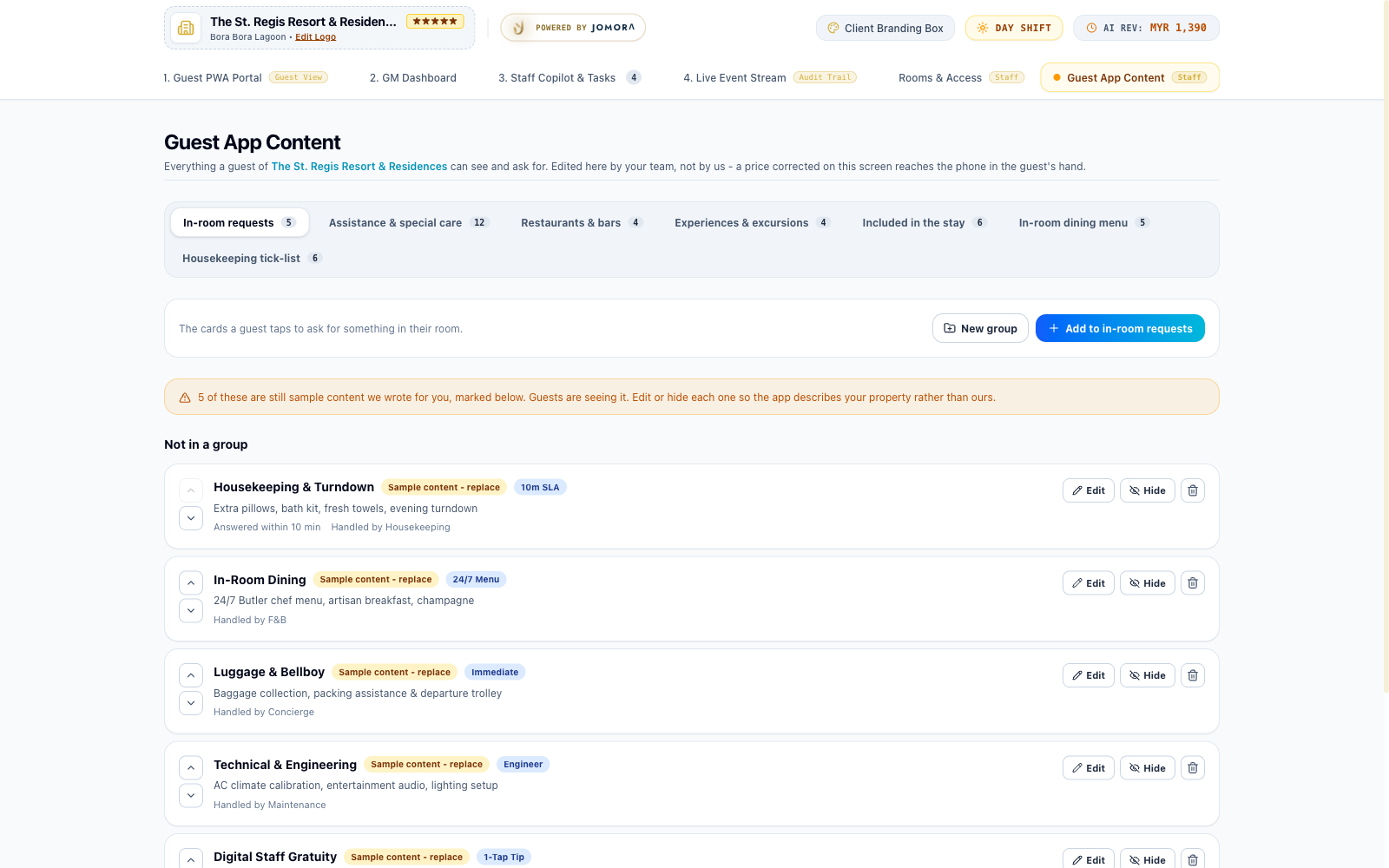
No developer, no ticket, no deployment. Every card, dish, venue, excursion and amenity in the guest app is a row the property owns and edits from the console.

| Content type | Where the guest sees it | What you control |
|---|---|---|
| In-room requests | The cards on the services screen | Title, description, department, SLA, icon |
| Assistance | The help and accessibility list | Title, detail, routing department |
| Dining venues | Restaurants and bars | Name, cuisine, hours, image, badge |
| Menu items | In-room dining | Dish, description, price, currency |
| Excursions | Things to do | Title, detail, price per person, image |
| Included amenities | The stay guide | What the rate includes |
| Housekeeping items | The housekeeping request sheet | Item, quantity wording, SLA |
Create your own headings — “Poolside”, “Late night”, “For families” — and drop items under them. Reordering is up and down arrows, and it saves the moment you click.
Hiding takes something off the guest’s phone immediately while keeping the row. Seasonal menus and closed venues come back with one click instead of being retyped.
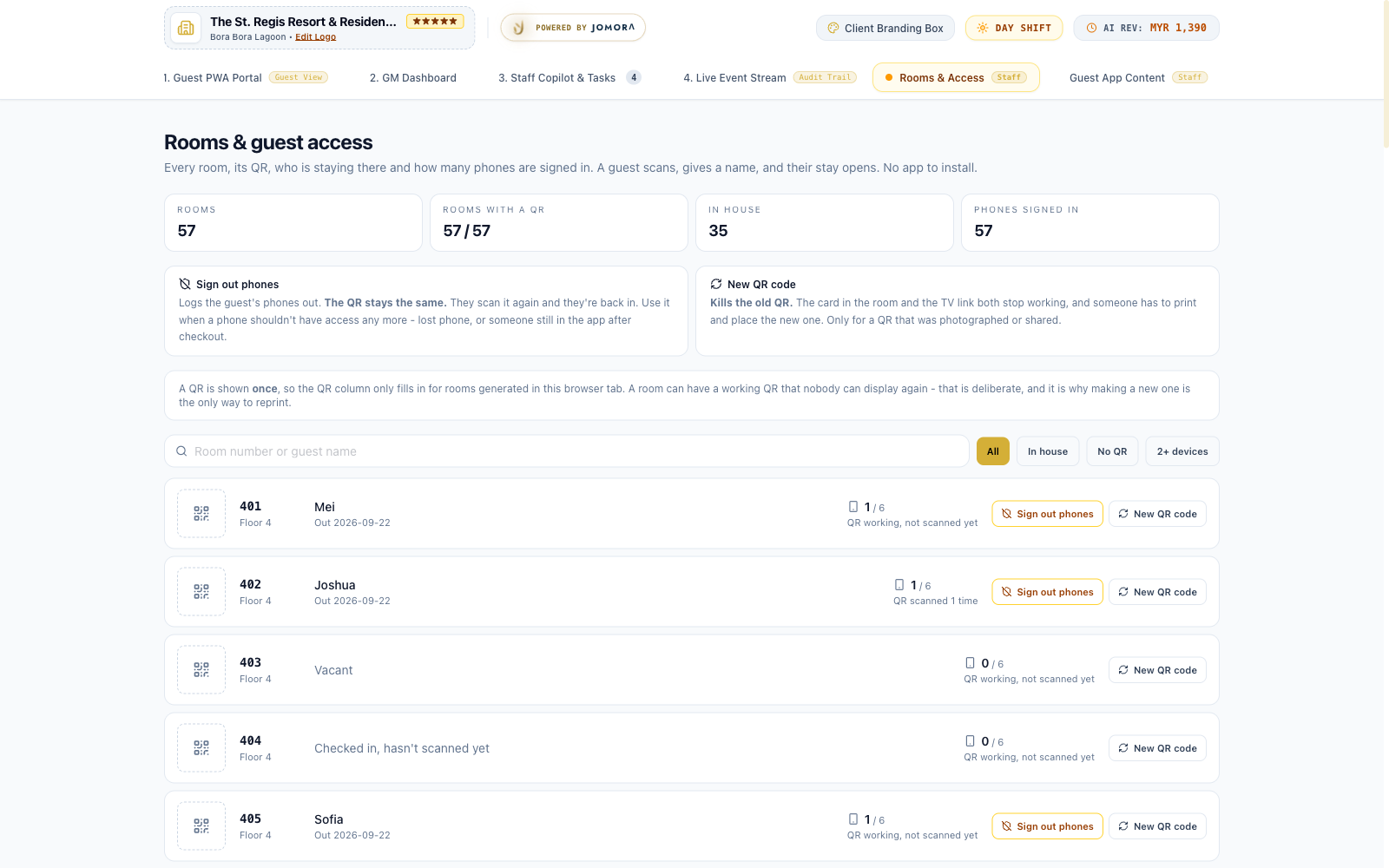
Every room has one QR. It is how a guest gets in, and it is the only thing standing between a stranger and a stay — so it behaves carefully.


Printed cards encode whatever address the console was configured with. Issue them from the live address, never from a laptop — the screen warns you if you try, because a mistake here is discovered after two hundred cards are laminated.
The product is designed so that a breach would be boring. There is almost nothing in it worth stealing.
This demo runs on a live database, not a mock-up. That distinction matters, so here is the honest split.
| Capability | State | Notes |
|---|---|---|
| Guest claims a stay | Live | Real rows, real expiry, real device limits. |
| Guest raises a request | Live | Appears on the staff board in seconds, with a server-set SLA. |
| Staff raises a task | Live | Writes to the database and syncs to every open screen. |
| Content editing | Live | Add, edit, reorder, hide, delete — it reaches the guest’s phone. |
| Room QR issue & rotate | Live | Hashed server-side, shown once. |
| Audit trail | Live | Append-only, no edit path for anyone. |
| Express checkout | Demo content | Illustrative figures. No payment gateway is connected. |
| AI concierge chat | Demo content | Scripted replies. Not connected to a language model yet. |
| Digital tipping | Demo content | The flow is real; there is no disbursement rail behind it. |
| Door lock integration | Not connected | The app raises the job; a person opens the door. |
| PMS integration | Not connected | Reservations are loaded directly for now. |
Three things need a decision from the property: the hotel name and branding on every screen, the shared staff sign-in replaced with named accounts, and the demo content above either connected or switched off.
None of them is a build. All of them are choices.
You are signed in as staff in that browser. Use a phone, or a private window.
The stay has most likely expired — access ends after checkout, and an expired grant correctly returns nothing. Check the room in Rooms & Access.
Confirm the item is active, not hidden. If the editor shows a banner saying content could not be loaded, the change is not saved — do not trust the screen.
It was either issued from a laptop address, or the room has since been given a new code — which kills the old one everywhere. Issue and print again.